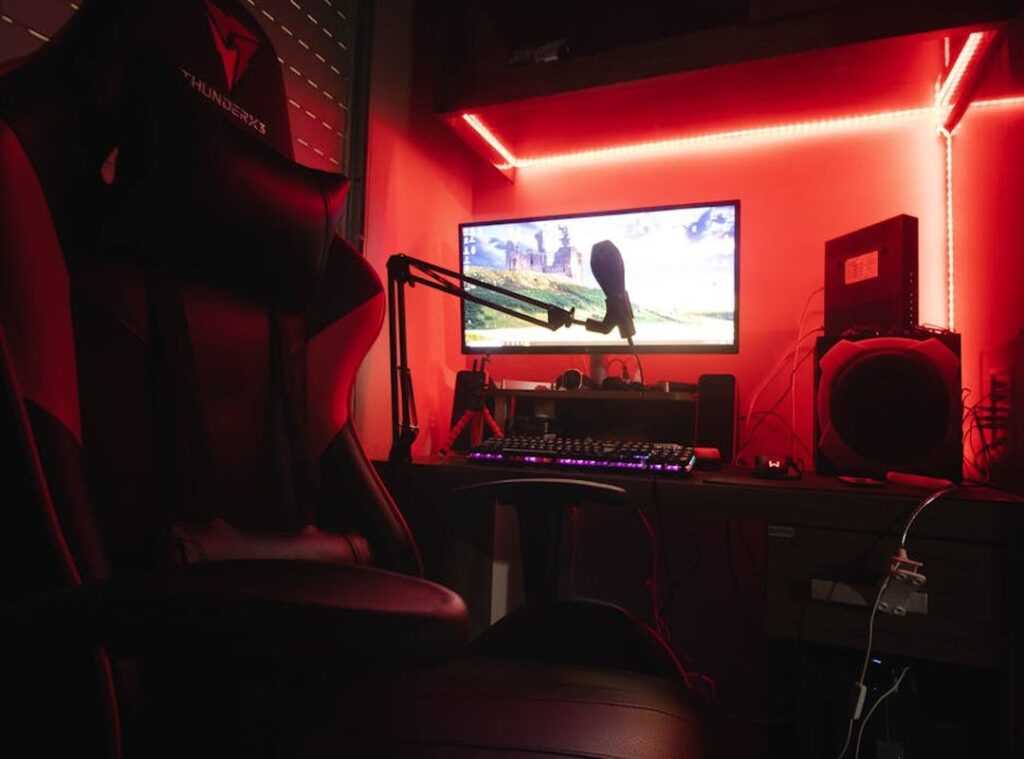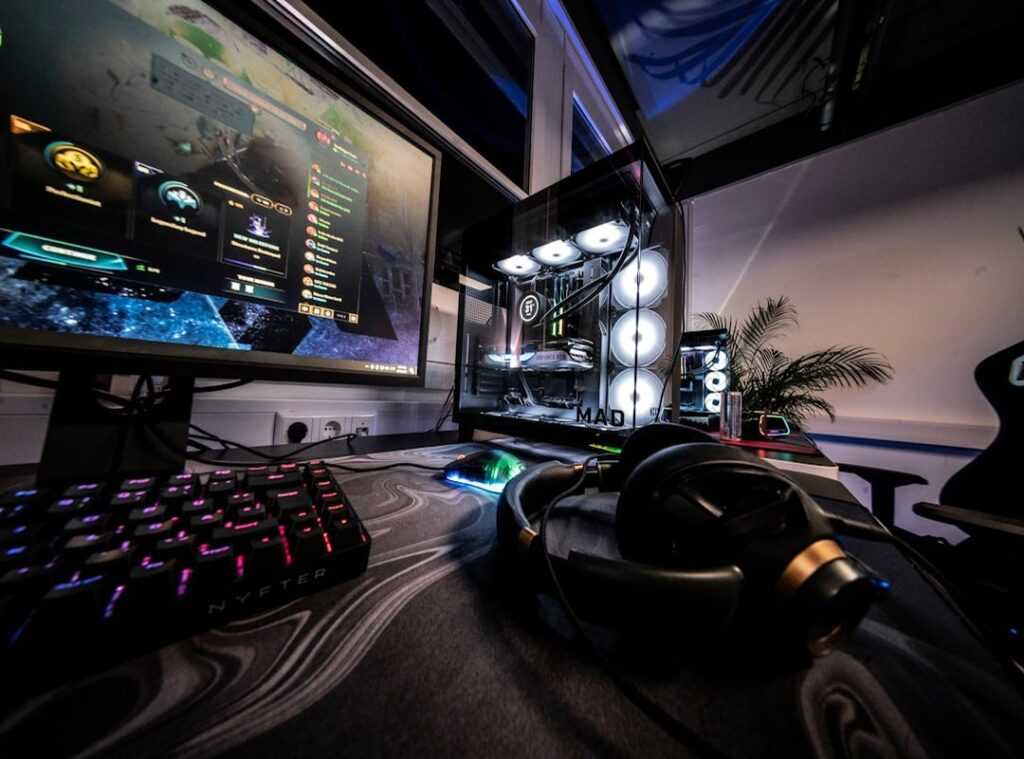

Ever lost a game because your system decided to lag at the worst moment? We’ve all been there. It’s infuriating when skill gets overshadowed by technical glitches.
The problem isn’t just your reflexes; it’s your setup. But here’s the good news: you can control this chaos. Years of watching pros and diving into esports trends taught me one thing: a well-managed gaming environment is key.
It’s not just about flashy gear. It’s about eliminating those annoying variables so your gaming space organization is rock solid. I’ve dissected the setups of top-tier players (they know their stuff).
This guide will take you from system stutters to smooth play. By the end, you’ll have a pro-level setup that’s stable, consistent, and ready for any match. Ready to transform your gaming experience?
The Bedrock: Optimizing Your OS and Drivers for Peak Consistency
Your operating system is the bedrock of everything you do on your PC. If it’s shaky, everything else crumbles. Want a smooth experience?
Start here. A lean, responsive OS is non-negotiable for gaming space organization.
First, let’s talk Windows optimization. Ever heard of Game Mode? It’s a feature designed to boost performance by allocating resources strictly to your games.
You should definitely let it. Then there’s Hardware-accelerated GPU Scheduling (HAGS). It reduces latency and improves overall frame rates.
Again, a no-brainer to turn on if you’re aiming for peak performance.
But optimization doesn’t stop at toggling settings. Managing startup applications and background processes is key. Ever notice all those launchers, updaters, and even RGB software hogging resources?
Trim them down. Only keep the essentials. Your PC will thank you.
Now, onto drivers. A clean GPU driver installation can prevent countless headaches. Use Display Driver Uninstaller (DDU) to wipe out old driver remnants before installing new ones.
Why? Well, leftover files can cause conflicts and degrade performance. A fresh start ensures your drivers run smoothly.
Advanced power plan settings are another layer to consider. The ‘Ultimate Performance’ plan is tailored for high-demand tasks. It keeps CPU clocks high, making your system more responsive.
This isn’t just another checkbox to tick. It’s a proven way to squeeze out every drop of performance.
Speaking of performance, organizing your gaming space can also make a difference. For some tips, check out this diy cable management gaming setup. It could be just what you need to tie everything together smoothly.
So, are you ready to make your OS the sturdy foundation it needs to be? You should be.
Network & Connectivity Mastery: Cut Through the Noise
Let’s talk about the silent killers of online gaming: lag and packet loss. Nothing ruins a game faster. You ever been in a match, ready to clutch, and BAM!
Your connection drops. Infuriating, right?
First things first, ditch the Wi-Fi. Seriously. A wired Ethernet connection is your best friend.
Why? Because it’s more stable and has lower latency. With Wi-Fi, there’s interference everywhere (microwaves, smart home gadgets).
Ethernet cuts through that chaos. It’s like comparing a smooth highway drive to a bumpy off-road trip.
Now, here’s a gem you might not know: Quality of Service (QoS). Think of it as a fast lane for your game data. Most routers have this feature.
By prioritizing your PC or console, you make sure your game data gets delivered first. Check your router’s settings and activate it. It’s worth the five-minute setup.
Let’s dive into DNS servers. These guys translate domain names to IP addresses. Ever thought about switching to a faster DNS?
Cloudflare (1.1.1.1) and Google (8.8.8.8) are solid choices. They can shave precious milliseconds off your connection time. Try switching and see the difference.
To spot network issues, use in-game network graphs or command-line tools like ‘ping’. These help identify high latency or packet loss. If you see spikes, there’s your culprit.
And hey, while you’re at it, consider organizing your gaming space. A cluttered setup can mess with your focus. For inspiration on how to arrange your gear, check out this detailed guide.
It’s time we took gaming space organization seriously. After all, a well-organized space leads to a better gaming experience.
Tuning Your Digital Arsenal: Precision in Gaming
Getting the right hardware isn’t just about having the latest gadgets. It’s about tuning what you’ve got. You know, like how a chef sharpens knives instead of just buying new ones.
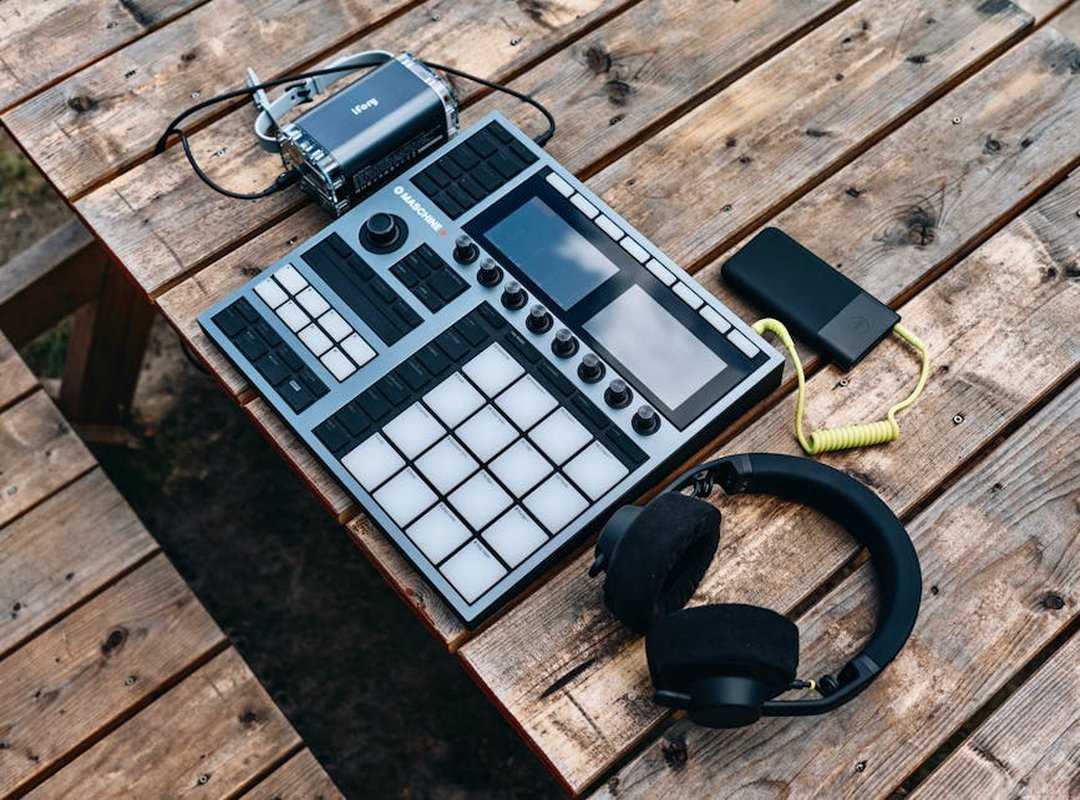
In gaming, monitors, mice, keyboards, and audio gear need fine-tuning to really up your game. Sure, money can buy you speed but understanding is where true power lies.
Let’s dive into monitors first. Refresh rates are all the buzz, but response time and adaptive sync like G-Sync or FreeSync? Those are the unsung heroes.
Configure them in your GPU control panel (goodbye) screen tearing, goodbye stutter. Ever been in the middle of an epic battle and your screen glitches? Yeah, no thanks.
Then there are mice and keyboards. Polling rates over 1000Hz can be a double-edged sword. While they offer blazing-fast responsiveness, they can eat up CPU resources like a late-night snack.
Find a balance. And let’s talk DPI settings. A consistent DPI is your secret weapon across games.
Stop changing it every game. Stick to one setting that feels right and build muscle memory. Your future self will thank you.
Now, audio. It’s not just about hearing the game; it’s about strategically locating your enemies. Virtual surround sound tools like Windows Sonic or DTS Headphone:X turn average headphones into tactical gear.
You want to hear those footsteps? Boost your EQ settings. Pinpointing an enemy’s location?
That’s bold plan.
Oh, and let’s not forget about your gaming setup. The best lighting gaming environment can make a big difference. A well-organized space means fewer distractions and more focus.
Feel overwhelmed by cords or clutter? Tidy up. Your mind mirrors your environment, especially in the heat of gameplay.
In essence, gaming space organization isn’t just about aesthetics. It’s about achieving focus. Get your digital tools dialed in, and watch as your skills transcend.
The Final Layer: In-Game Settings and Your Physical Space
Your physical space is as important as your digital setup. Why? A disciplined physical space promotes a disciplined mindset.
It’s like the military (minus the yelling). If your gaming area is chaotic, your mind will be too.
First, let’s talk in-game settings. Disabling motion blur and film grain does wonders for performance. Clarity matters when every millisecond counts.
Adjusting shadow quality can also help. Shadows look cool, but they can tank your FPS. Who needs them when you’re trying to win?
Now, your physical setup. Ergonomics, folks. A comfortable posture and clean desk reduce fatigue and improve focus.
Long sessions demand it. You don’t want to end up with a sore back or strained eyes, right?
Pro tip: create a pre-game ritual. Close unnecessary apps, check your settings. Reinforce a controlled, consistent environment.
This is gaming space organization at its finest. Like a pre-flight checklist for pilots.
Does all this sound like overkill? It’s not. It’s how you get better.
Connect your digital world with the real one. true gaming mastery begins.
Level Up Your Gaming Arena Now
You came here seeking a rock-solid gaming setup. Done. The real battle?
Losing games because of technical glitches. Let’s face it: that’s beyond frustrating. The solution?
A complete transformation of your gaming environment (from your OS to your desk).
Now that your foundation is set, it’s time to bring your skills to the next level. Refine your in-game tactics. Dive into our guides on core game mechanics and esports strategies.
Your new edge awaits.
Ready to conquer? Start with gaming space organization and see how everything changes. Don’t wait.
Click now to dominate your next match.
 Deloresentia Villanueva writes the kind of core game mechanics and strategies content that people actually send to each other. Not because it's flashy or controversial, but because it's the sort of thing where you read it and immediately think of three people who need to see it. Deloresentia has a talent for identifying the questions that a lot of people have but haven't quite figured out how to articulate yet — and then answering them properly.
They covers a lot of ground: Core Game Mechanics and Strategies, Daily Gaming Setup Hacks, Expert Breakdowns, and plenty of adjacent territory that doesn't always get treated with the same seriousness. The consistency across all of it is a certain kind of respect for the reader. Deloresentia doesn't assume people are stupid, and they doesn't assume they know everything either. They writes for someone who is genuinely trying to figure something out — because that's usually who's actually reading. That assumption shapes everything from how they structures an explanation to how much background they includes before getting to the point.
Beyond the practical stuff, there's something in Deloresentia's writing that reflects a real investment in the subject — not performed enthusiasm, but the kind of sustained interest that produces insight over time. They has been paying attention to core game mechanics and strategies long enough that they notices things a more casual observer would miss. That depth shows up in the work in ways that are hard to fake.
Deloresentia Villanueva writes the kind of core game mechanics and strategies content that people actually send to each other. Not because it's flashy or controversial, but because it's the sort of thing where you read it and immediately think of three people who need to see it. Deloresentia has a talent for identifying the questions that a lot of people have but haven't quite figured out how to articulate yet — and then answering them properly.
They covers a lot of ground: Core Game Mechanics and Strategies, Daily Gaming Setup Hacks, Expert Breakdowns, and plenty of adjacent territory that doesn't always get treated with the same seriousness. The consistency across all of it is a certain kind of respect for the reader. Deloresentia doesn't assume people are stupid, and they doesn't assume they know everything either. They writes for someone who is genuinely trying to figure something out — because that's usually who's actually reading. That assumption shapes everything from how they structures an explanation to how much background they includes before getting to the point.
Beyond the practical stuff, there's something in Deloresentia's writing that reflects a real investment in the subject — not performed enthusiasm, but the kind of sustained interest that produces insight over time. They has been paying attention to core game mechanics and strategies long enough that they notices things a more casual observer would miss. That depth shows up in the work in ways that are hard to fake.