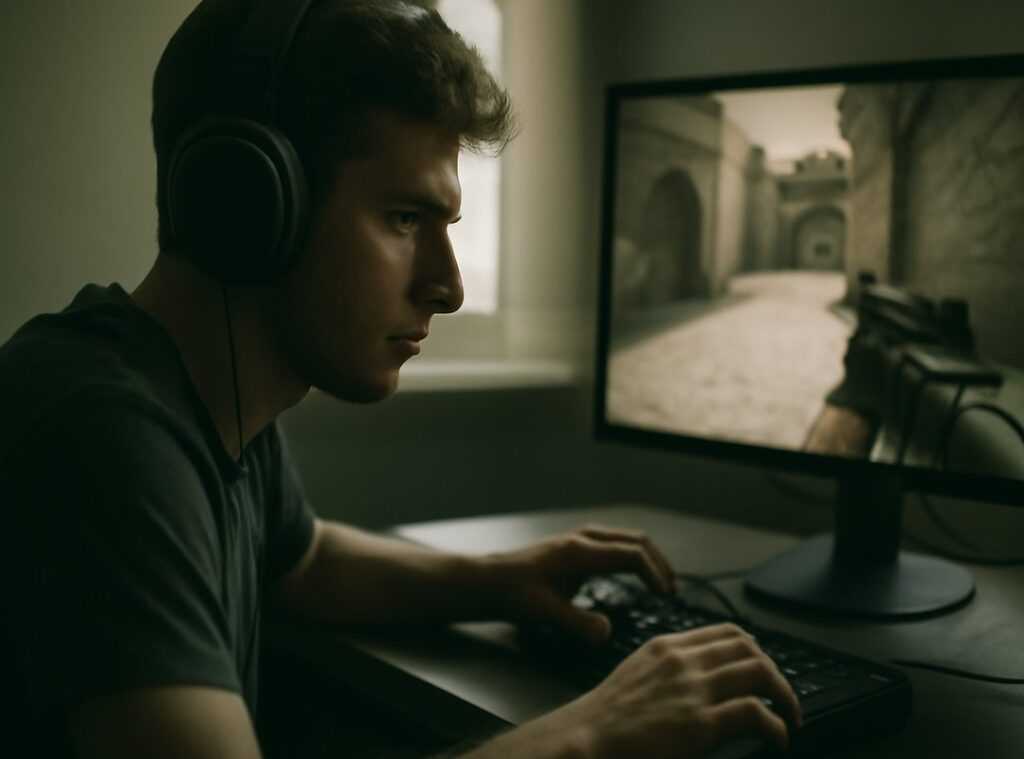
If you’re searching for deeper insights into core game mechanics, evolving multiplayer trends, and smarter Toike esports strategies, you’re in the right place. The competitive gaming landscape moves fast—meta shifts, balance updates, and emerging tactics can quickly leave even experienced players behind. This article breaks down what’s working right now, why it works, and how you can apply it immediately to improve performance.
We analyze gameplay systems, study high-level match data, and track daily strategy adaptations across competitive lobbies to ensure every insight is practical and current. From advanced positioning techniques to efficient resource management and reaction-time optimization, you’ll find actionable advice grounded in real gameplay patterns.
You’ll also gain access to a practical gaming ergonomics guide designed to help you play longer and perform better without unnecessary strain. Whether you’re refining fundamentals or pushing for elite-ranked consistency, this guide delivers clear, competitive-focused insights you can trust and use today.
Pain isn’t a badge of honor it’s a performance leak. This gaming ergonomics guide shows how precise setup changes translate into measurable gains. Set your chair so hips sit slightly above knees at a 100–110° recline, reducing spinal load and delaying fatigue. Align wrists neutral, with a low-profile keyboard to cut reaction-slowing strain. Raise your monitor so the top bezel meets eye level, minimizing neck flexion and eye strain. Add 20-20-20 breaks every 20 minutes to reset focus. Some players argue discomfort builds toughness; it actually builds inflammation. Optimize posture, extend sessions, sharpen aim, and turn comfort into competitive edge.
The Command Center: Dialing in Your Chair and Desk
Before you tweak sensitivity or blame lag, fix your setup. Your desk is mission control. If it’s off, everything downstream suffers.
The 90-Degree Rule
The foundation is simple: feet flat on the floor, knees at a 90-degree angle, elbows at a 90-degree angle relative to the desk. This alignment keeps your joints stacked and reduces strain over long sessions. Add firm lumbar support (lower-back support that maintains your spine’s natural inward curve) to prevent slouching. Without it, you’ll drift forward like a tired NPC.
Some argue posture doesn’t matter if you’re young and pain-free. Short term? Maybe. Long term? Repetitive strain injuries (RSIs) are well documented among desk workers and gamers alike (NIOSH). Prevention beats rehab.
Armrest Height for Aiming Styles
Your aiming style changes the equation:
- Arm aimers (movement from the shoulder and elbow) should set armrests slightly lower than desk height for full range of motion.
- Wrist aimers (movement primarily from the wrist) want armrests level with the desk to create a stable pivot point.
What’s next? If your shoulders feel tight mid-match, test lowering armrests by a centimeter.
Desk Depth and Surface
You need enough desk depth to support your entire forearm. Floating elbows overload the shoulder. A large mousepad isn’t aesthetic hype—it distributes friction and encourages smoother tracking.
Actionable Tip: The “One Fist” Rule
Slide a fist between the back of your knees and the chair edge. If it doesn’t fit, adjust. Proper spacing improves blood flow.
For a full gaming ergonomics guide, review your monitor height next.
Height and gaze angle matter more than most players think. If the top of your monitor sits at or slightly below eye level, your neck stays neutral instead of craning forward. That forward slump is often called “tech neck,” a repetitive strain issue caused by constantly looking down at screens. A lower screen versus a too‑high screen is the difference between relaxed shoulders and mid‑match stiffness.
Next, consider distance and field of view. The classic arm’s length rule means your monitor should be roughly 20 to 30 inches away, depending on screen size. Too close, and your eyes constantly refocus, increasing digital eye strain. Too far, and you lose detail and reaction speed. Proper distance supports peripheral vision, letting you catch flank movement without exaggerated head turns (yes, small edges win rounds).
Then there’s the 20‑20‑20 rule. Think of it as a focus reset, not a break. Every 20 minutes, look 20 feet away for 20 seconds. This relaxes the ciliary muscles that control focus and helps maintain sharp target acquisition over long sessions.
For a deeper gaming ergonomics guide, see how to optimize your gaming desk for maximum comfort.
Pro tip: test A vs B setups for a week.
Input and Control: Mastering Your Peripherals
Neutral Wrist Posture: Your Performance Foundation
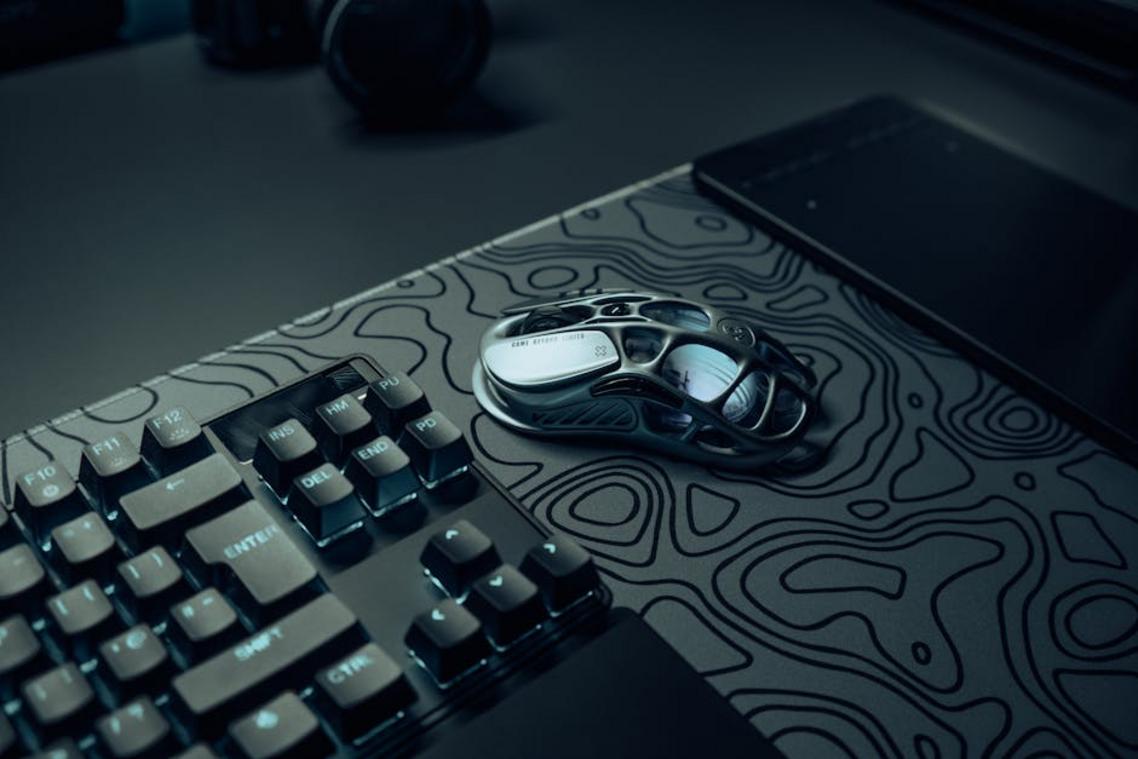
The single most important concept in any gaming ergonomics guide is neutral wrist posture—keeping your wrist straight, not bent up, down, or sideways. Imagine a straight line running from your knuckles through your forearm. That’s your power position. When your wrist tilts upward (keyboard too high) or sideways (mouse too far out), you increase strain on tendons and compress nerves, which can lead to repetitive strain injury (RSI).
What’s in it for you? Less pain, faster reactions, and longer grind sessions without fatigue. A neutral wrist improves blood flow and reduces micro-tension, meaning steadier aim in clutch moments (yes, even in round 13).
Keyboard Positioning: The ‘Tarik’ Angle Advantage
Angling your keyboard—often called the “Tarik” angle—rotates it slightly so your left hand aligns more naturally with your forearm. Instead of forcing your elbow outward, the angle lets your arm rest comfortably. The benefit? Cleaner movement inputs and reduced shoulder strain, especially in FPS titles where WASD precision matters.
Some argue a straight keyboard looks cleaner or feels traditional. Fair—but comfort and joint alignment win long-term. Pro tip: Start with a slight 10–20° tilt and adjust from there.
Mouse Grip and Hand Health
- Palm grip: Great stability, less finger strain, but heavier movement.
- Claw grip: Faster clicks, more tension in fingers.
- Fingertip grip: Maximum agility, higher fatigue risk.
Between matches, try a prayer stretch (palms together, gently lower hands) or simple wrist extensions (arm straight, pull fingers back lightly). Thirty seconds now can mean pain-free play later. Your mechanics improve when your hands actually feel good.
The Unseen Edge: Strategic Breaks and Hydration
Micro-breaks are a tactical reset between matches, letting you stand, stretch, and walk before queueing again. As a result, your posture realigns and your focus sharpens, reducing fatigue-driven misplays. Think of it as clearing a mental cooldown bar.
Meanwhile, hydration directly fuels cognitive performance. Even mild dehydration slows reaction time and decision-making, according to research from the Journal of Nutrition. In other words, water is a brain buff.
For a simple reset, try a doorway chest stretch to open tight, hunched shoulders. Follow any gaming ergonomics guide and you’ll extend stamina and consistency.
You now have a complete framework for turning your gaming setup into a source of strength, not strain.
That nagging wrist or back pain isn’t random—it’s your performance ceiling. According to the Occupational Safety and Health Administration, poor posture and repetitive strain significantly increase musculoskeletal injuries, while ergonomic adjustments reduce risk and fatigue. Similarly, a 2020 study in Applied Ergonomics found optimized workstation setups improved task performance and comfort.
In other words, small tweaks matter. By applying this gaming ergonomics guide, adjusting chair height, monitor alignment, and scheduling strategic breaks, you’re unlocking measurable gains. Pick one change now—raise your monitor.
Level Up Without the Burnout
You came here because long sessions were starting to take a toll—aching wrists, stiff shoulders, mental fatigue, and performance dips that shouldn’t be happening. Now you understand how posture, setup alignment, break timing, and smart gear choices directly impact your reaction speed, endurance, and overall consistency.
The truth is simple: ignoring discomfort doesn’t make you tougher—it slows you down. Small ergonomic mistakes compound over time, turning minor strain into chronic pain that keeps you off your game. Applying what you’ve learned from this gaming ergonomics guide gives you a clear advantage: better focus, faster inputs, and longer, healthier sessions.
Now it’s time to act. Adjust your setup today. Reposition your monitor. Fine-tune your chair height. Optimize your mouse and keyboard placement. Then build ergonomic habits into every session.
If you’re serious about dominating without burning out, explore our advanced breakdowns and daily performance hacks trusted by competitive players worldwide. We’re one of the fastest-growing gaming strategy resources for a reason—actionable insights that actually improve results.
Don’t wait for pain to force a change. Upgrade your setup, protect your body, and start playing at your peak—today.
 Deloresentia Villanueva writes the kind of core game mechanics and strategies content that people actually send to each other. Not because it's flashy or controversial, but because it's the sort of thing where you read it and immediately think of three people who need to see it. Deloresentia has a talent for identifying the questions that a lot of people have but haven't quite figured out how to articulate yet — and then answering them properly.
They covers a lot of ground: Core Game Mechanics and Strategies, Daily Gaming Setup Hacks, Expert Breakdowns, and plenty of adjacent territory that doesn't always get treated with the same seriousness. The consistency across all of it is a certain kind of respect for the reader. Deloresentia doesn't assume people are stupid, and they doesn't assume they know everything either. They writes for someone who is genuinely trying to figure something out — because that's usually who's actually reading. That assumption shapes everything from how they structures an explanation to how much background they includes before getting to the point.
Beyond the practical stuff, there's something in Deloresentia's writing that reflects a real investment in the subject — not performed enthusiasm, but the kind of sustained interest that produces insight over time. They has been paying attention to core game mechanics and strategies long enough that they notices things a more casual observer would miss. That depth shows up in the work in ways that are hard to fake.
Deloresentia Villanueva writes the kind of core game mechanics and strategies content that people actually send to each other. Not because it's flashy or controversial, but because it's the sort of thing where you read it and immediately think of three people who need to see it. Deloresentia has a talent for identifying the questions that a lot of people have but haven't quite figured out how to articulate yet — and then answering them properly.
They covers a lot of ground: Core Game Mechanics and Strategies, Daily Gaming Setup Hacks, Expert Breakdowns, and plenty of adjacent territory that doesn't always get treated with the same seriousness. The consistency across all of it is a certain kind of respect for the reader. Deloresentia doesn't assume people are stupid, and they doesn't assume they know everything either. They writes for someone who is genuinely trying to figure something out — because that's usually who's actually reading. That assumption shapes everything from how they structures an explanation to how much background they includes before getting to the point.
Beyond the practical stuff, there's something in Deloresentia's writing that reflects a real investment in the subject — not performed enthusiasm, but the kind of sustained interest that produces insight over time. They has been paying attention to core game mechanics and strategies long enough that they notices things a more casual observer would miss. That depth shows up in the work in ways that are hard to fake.