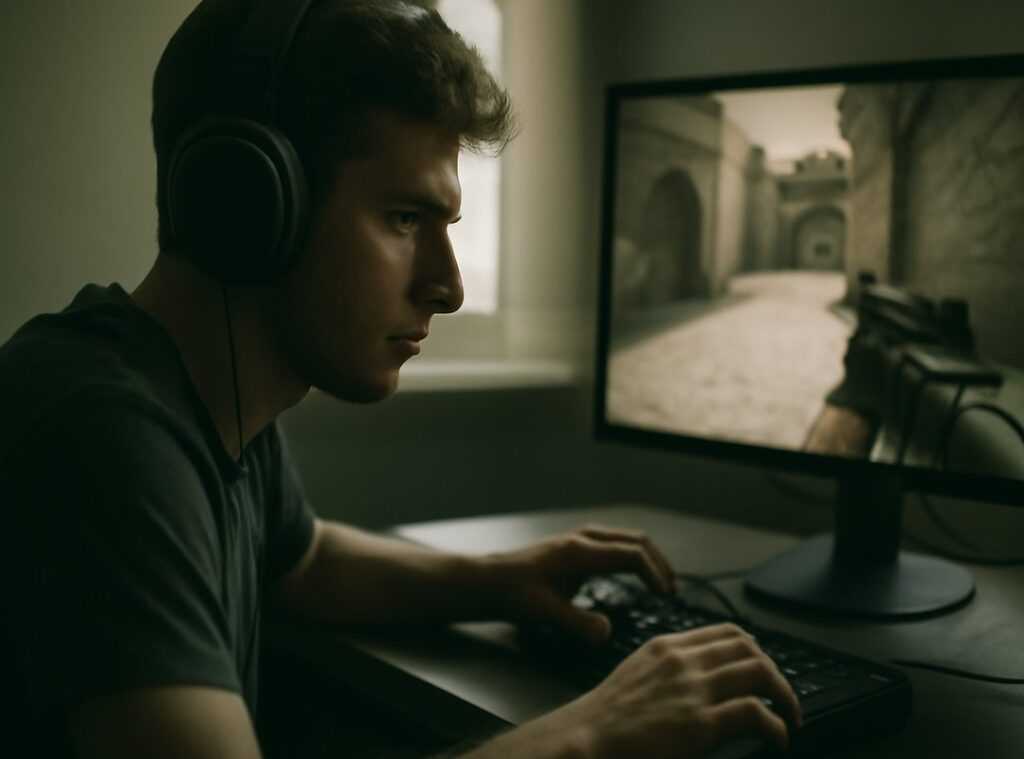
If you’re searching for ways to improve your in-game performance, you’ve probably upgraded your gear, tweaked your settings, and practiced your mechanics—but overlooked one critical factor: monitor placement for gaming. The way your screen is positioned can directly impact reaction time, eye strain, posture, and even competitive accuracy.
This article breaks down the optimal monitor height, distance, and angle for different gaming setups, whether you’re grinding ranked matches or competing in high-stakes multiplayer environments. We’ll also cover how placement affects peripheral awareness, crosshair alignment, and long-session comfort.
To ensure accuracy, this guide draws on insights from competitive esports setups, ergonomic research, and real-world gameplay analysis. By the end, you’ll know exactly how to position your monitor for maximum clarity, faster reactions, and a more immersive gaming experience—without guesswork.
Unlock Your True Gaming Potential: The Science of Screen Placement
Every gamer wants an edge, yet the simplest upgrade is often ignored: monitor placement for gaming. Set it wrong, and you invite neck strain, dry eyes, and split-second delays that cost matches (yes, even that clutch round).
Start with three essentials:
- Height: The top of your screen at or slightly below eye level.
- Distance: An arm’s-length gap to reduce strain.
- Tilt: A subtle backward angle to limit glare.
Some argue comfort doesn’t affect performance. Research links ergonomics to faster visual processing (NIH). Next, calibrate brightness and FOV.
The Ergonomic Baseline: Why Your Health is Your #1 Asset
Before you tweak sensitivity settings or upgrade GPUs, start with your body. Your health is your most valuable performance asset. Get this wrong, and even the best setup won’t save you from fatigue or chronic pain.
Monitor Height – The Golden Rule
First, position your monitor so the top of the visible screen sits at or slightly below horizontal eye level. This keeps your neck in a neutral posture, meaning your ears align over your shoulders instead of drifting forward. When the screen is too high, you tilt your head back; too low, and you hunch. Over time, that strain compounds into tight traps, sore shoulders, and persistent upper back pain. A neutral gaze prevents that slow burn (your spine will thank you later).
Viewing Distance – The Arm’s Length Test
Next, use the arm’s length rule as a baseline. Sit back and extend your arm—your fingertips should just touch the screen. However, adjust based on size and resolution. A 27-inch 1440p display can sit slightly farther back because higher pixel density keeps text sharp. Meanwhile, a 24-inch 1080p monitor may need to be closer for clarity. The goal is simple: see the entire screen without moving your head or squinting.
Monitor Tilt for Natural Gaze
Then, tilt the monitor upward 10–20 degrees. This aligns it perpendicular to your natural downward line of sight, reducing eye muscle fatigue during long sessions.
The Desk and Chair Connection
Finally, remember the ergonomic triangle. Feet flat. Arms at roughly 90 degrees. Only then does proper monitor placement for gaming truly work together as a system.
From Comfort to Kills: Calibrating for Peak Performance
There’s a constant tug-of-war between Field of View (FOV) and information access. FOV refers to how much of the game world you can see at once. Sit closer to your monitor, and enemies look bigger. Shots feel easier. The action feels immediate. But the trade-off? Your eyes travel more to check minimaps, ammo counters, and health bars. That extra split second matters (yes, even if you swear it doesn’t).
In my experience, most players underestimate how much physical setup affects reaction time. We obsess over settings but ignore monitor placement for gaming like it’s just furniture arrangement. It’s not. It’s performance engineering.
Genre-Specific Tuning
FPS (Valorant, Apex Legends)
Competitive FPS players often use 24–25 inch monitors and sit relatively close. Why? Smaller screens reduce head movement and keep your crosshair central. Your brain processes threats faster when enemy models stay within a tight visual cone. Some argue sitting too close strains the eyes. Fair point. But in ranked matches, PRECISION beats comfort. If you want an extra edge, pair this setup with solid optimization—like improving fps through simple pc optimization tweaks.
MOBA/RTS (League of Legends, Dota 2)
Here’s where I disagree with the “closer is always better” crowd. MOBAs demand constant minimap checks, cooldown tracking, and team fight awareness. A slightly greater viewing distance reduces rapid eye darting. You’re absorbing macro and micro information simultaneously. Think chess at 200 APM (and yes, it feels like that sometimes).
Immersive RPGs & Simulators (Cyberpunk 2077, Microsoft Flight Simulator)
In cinematic games, immersion wins. Sit far enough back that the screen fills more of your peripheral vision. You’re not hunting milliseconds—you’re chasing atmosphere. Wider visual engagement boosts presence and enjoyment, something VR research consistently supports (Slater & Wilbur, 1997).
Bottom line? Optimize for your goal. Comfort is nice. PERFORMANCE IS BETTER.
Advanced Setups: Ultrawide, Dual Monitors, and Curved Displays
Taming the Ultrawide
First, let’s clear up a common misconception: bigger doesn’t mean different rules. Even with an ultrawide, ergonomic basics still apply. Your eyes should rest on the horizontal centerline (an imaginary line running straight across the middle of your screen). That’s your visual anchor. In practice, this means adjusting monitor placement for gaming so primary HUD elements—like health bars or minimaps—don’t force constant head turning. Yes, ultrawides expand your field of view, but if you’re swiveling like you’re watching a tennis match, something’s off.
The Dual Monitor Dilemma
Now, with dual monitors, confusion usually starts with symmetry. It looks clean to split them evenly—but don’t. Choose a primary monitor and place it directly in front of you. Your secondary screen should sit 15–30 degrees to the side, slightly angled inward. Think cockpit, not command center chaos. Centering the bezels divides your focus and strains your neck over time.
Curved vs. Flat Screens
Finally, curved displays aren’t just aesthetic flair. The curve keeps screen edges closer to your eyes, maintaining a more consistent viewing distance. On large or ultrawide panels, this reduces distortion and can ease eye strain—especially during long sessions (your eyes will thank you).
Your Perfect Setup is a Process, Not a Preset
You’ve learned that the “perfect” setup isn’t a magic preset—it’s a balance between ergonomics and how your favorite genre actually plays. When your screen sits just right, your shoulders feel loose, your eyes relaxed, and the action looks crisp instead of slightly blurred at the edges.
An uncalibrated desk isn’t just uncomfortable. It’s a hidden performance bottleneck. Slouch long enough and you’ll feel it: stiff neck, tight wrists, that dull ache between your shoulder blades (your body’s way of saying, “we need a patch update”).
Start with an ergonomic baseline for monitor placement for gaming. Then iterate.
| Step | What to Adjust | What to Notice |
|---|---|---|
| 1 | Height |
Neck tension |
| 2 | Distance | Eye strain |
| 3 | Tilt | Screen glare |
Play for an hour. Change one variable. Test again. Your ideal setup is personal. Listen to how it feels and how you perform—refine until everything clicks.
To maximize your competitive gaming performance, it’s crucial to consider monitor placement, which you can further explore alongside the latest insights in our article on the evolving trends at Pblinuxtech – for more details, check out our Trends Pblinuxtech.
Level Up Your Setup the Right Way
You came here to finally dial in your setup and understand how small adjustments can dramatically improve your performance. Now you know how critical monitor placement for gaming is—not just for comfort, but for reaction time, immersion, and long-session endurance.
If your neck strains, your aim feels inconsistent, or your awareness seems half a second behind, your setup could be holding you back. Even the best mechanics can’t compensate for poor positioning.
The action is simple: audit your current desk layout today. Adjust your screen height, distance, and angle based on what you’ve learned. Test it in your next session. Fine-tune until everything feels natural and responsive.
Don’t let a preventable setup mistake cap your skill ceiling. Apply these changes now and feel the difference immediately. Thousands of competitive players rely on optimized setups to stay sharp—now it’s your turn. Fix your positioning, lock in your focus, and start winning more games today.
 There is a specific skill involved in explaining something clearly — one that is completely separate from actually knowing the subject. Kathleen Vineswaren has both. They has spent years working with core game mechanics and strategies in a hands-on capacity, and an equal amount of time figuring out how to translate that experience into writing that people with different backgrounds can actually absorb and use.
Kathleen tends to approach complex subjects — Core Game Mechanics and Strategies, Daily Gaming Setup Hacks, Expert Breakdowns being good examples — by starting with what the reader already knows, then building outward from there rather than dropping them in the deep end. It sounds like a small thing. In practice it makes a significant difference in whether someone finishes the article or abandons it halfway through. They is also good at knowing when to stop — a surprisingly underrated skill. Some writers bury useful information under so many caveats and qualifications that the point disappears. Kathleen knows where the point is and gets there without too many detours.
The practical effect of all this is that people who read Kathleen's work tend to come away actually capable of doing something with it. Not just vaguely informed — actually capable. For a writer working in core game mechanics and strategies, that is probably the best possible outcome, and it's the standard Kathleen holds they's own work to.
There is a specific skill involved in explaining something clearly — one that is completely separate from actually knowing the subject. Kathleen Vineswaren has both. They has spent years working with core game mechanics and strategies in a hands-on capacity, and an equal amount of time figuring out how to translate that experience into writing that people with different backgrounds can actually absorb and use.
Kathleen tends to approach complex subjects — Core Game Mechanics and Strategies, Daily Gaming Setup Hacks, Expert Breakdowns being good examples — by starting with what the reader already knows, then building outward from there rather than dropping them in the deep end. It sounds like a small thing. In practice it makes a significant difference in whether someone finishes the article or abandons it halfway through. They is also good at knowing when to stop — a surprisingly underrated skill. Some writers bury useful information under so many caveats and qualifications that the point disappears. Kathleen knows where the point is and gets there without too many detours.
The practical effect of all this is that people who read Kathleen's work tend to come away actually capable of doing something with it. Not just vaguely informed — actually capable. For a writer working in core game mechanics and strategies, that is probably the best possible outcome, and it's the standard Kathleen holds they's own work to.